Necessary
Always activeSupports security, form reliability and remembering your privacy choice. It is not used for advertising.

Technical optimization protects the complete path across delivery, usability, secure capture, integrations, response ownership, and measurement.

Technical optimization website work should protect the complete path from page delivery to customer response. Speed, stability, accessibility, forms, tracking, integrations, and operational ownership all affect whether a visit becomes a useful business action. A score is evidence about one layer, not the definition of success.
Technical delivery determines whether people can access and use the journey. Google’s Core Web Vitals describe important loading, responsiveness, and visual-stability signals. Website performance optimization should combine those signals with page purpose, interaction success, and delivery evidence. Mono’s pagespeed optimization guide provides that broader context.
1. Optimize the critical journey, not an average page. Identify priority entry pages, actions, forms, and third-party steps. Slow website issues on a high-intent mobile path deserve more attention than a small score difference on a low-value template. Use repeatable lab tests and real-user evidence where available.
2. Reduce blocking work without removing business function. Audit scripts, styles, fonts, media, redirects, plugins, and third-party tags by route. Delay or remove genuine waste, but preserve consent, booking, form delivery, and measurement requirements. Document dependencies and rollback steps before changing production behaviour.
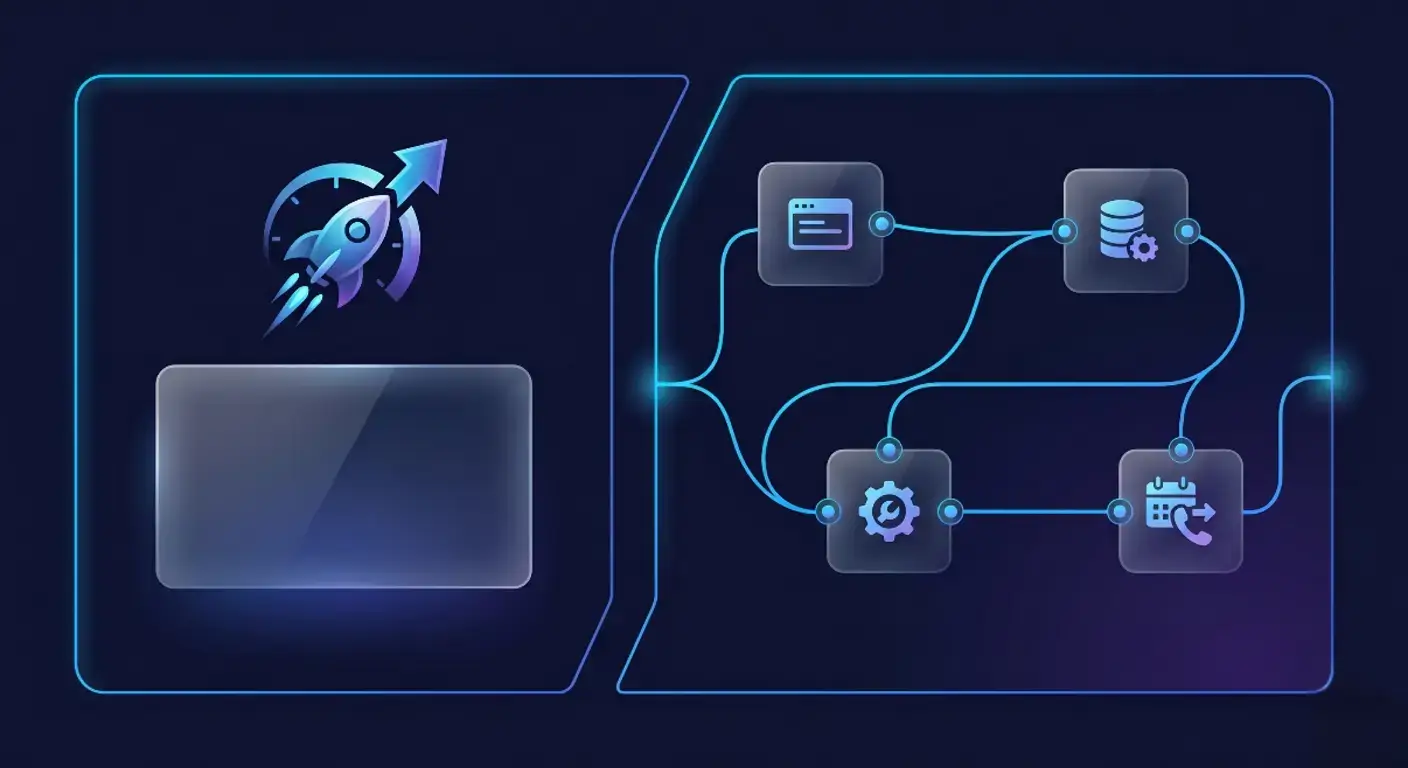
3. Make the interface accessible and resilient. A conversion-focused website needs visible focus, meaningful labels, keyboard operation, sufficient contrast, stable layout, and errors associated with the correct fields. Test slow networks, interrupted requests, invalid data, and unavailable services. Fast appearance is not success if the action remains unusable.
4. Verify the conversion flow after every technical change. Check the promise, navigation, proof, calls to action, form, confirmation, and return path. Caching or script changes can make stale content, validation, or tracking fail selectively. The systems-oriented structure guide helps locate dependencies across pages.
5. Treat form delivery as a monitored service. Validate server-side input, protect against abuse, preserve safe user entries after errors, and provide a clear acknowledgement. Customer handling suffers when a technically successful submission lacks context or reaches an unowned inbox. Store only necessary data and protect sensitive information in logs and notifications.
6. Connect lead context to responsibility. CRM integration should preserve source, service interest, consent, status, and owner while handling duplicates and failures. Lead flow automation can route requests and create tasks, but exceptions must remain visible. A lead generation website system connects capture to that operational response.
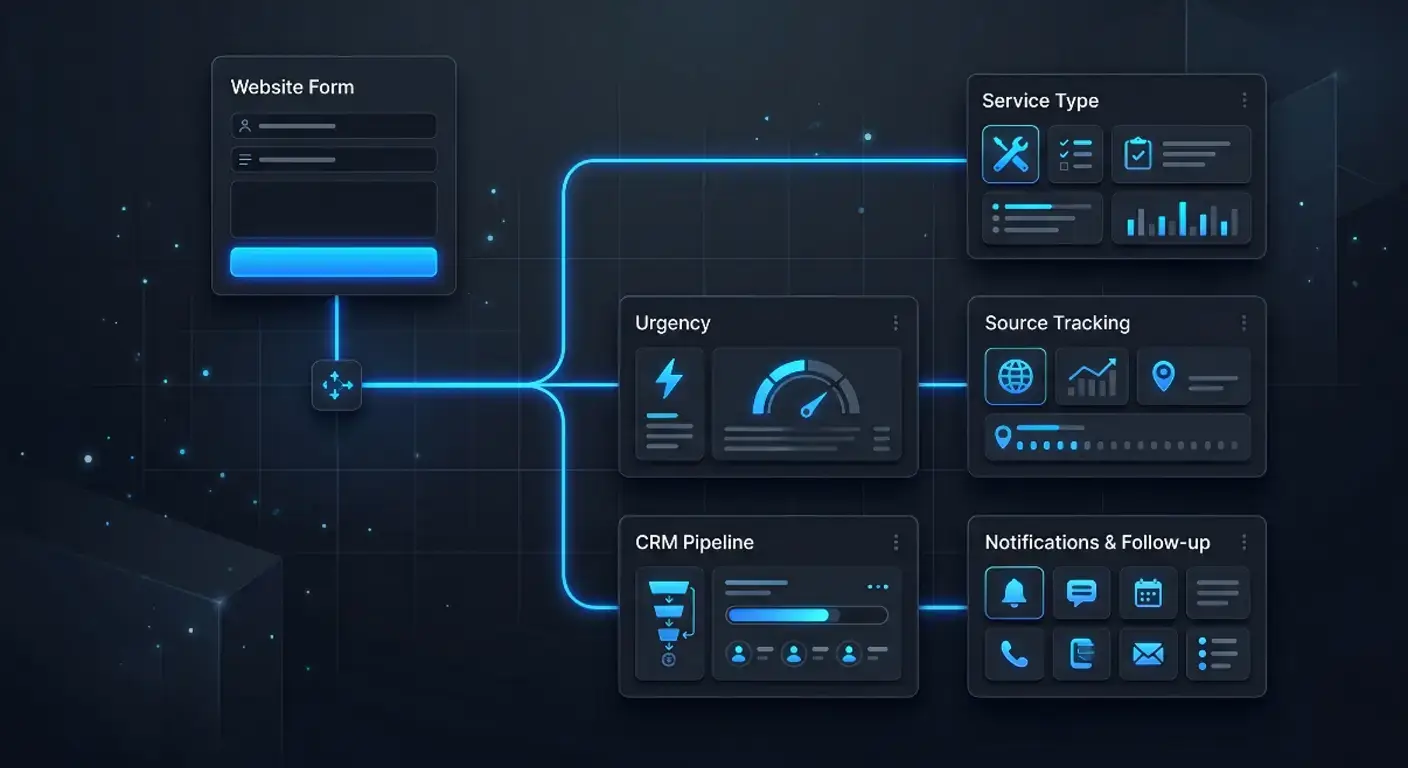
7. Measure business movement alongside technical health. Monitor errors, field performance, action events, form delivery, integration exceptions, qualification, and response status with consistent definitions. A website automation system should expose failures rather than create silent gaps; Mono’s automation overview explains the relationship between customer and business actions.
Start with a baseline for the same route, device profile, and test method. Reproduce the problem before changing it. Separate network, hosting, rendering, media, script, application, and third-party constraints because each requires a different remedy. Record the evidence and expected result.
Map dependencies around the proposed change. A script may support analytics, consent, form validation, personalization, or booking. A cache rule may affect logged-in users, localized content, or confirmation pages. Test critical variations and deploy the smallest safe adjustment that addresses the verified cause.
Review security and privacy at the same time. Update vulnerable components through the documented release path, use authenticated integrations, restrict access, minimize retained data, and keep sensitive values out of URLs and logs. Optimization that exposes customer information or weakens controls is not an acceptable trade-off.
Include content and UX owners in acceptance testing. Engineers can verify delivery and errors; commercial teams can confirm that the offer, proof, and response path remain accurate. The current website trust signals analysis helps review whether technical changes preserve confidence near important actions.
Rank work by user impact, frequency, business consequence, evidence quality, dependency, and implementation risk. Repair failed actions, severe mobile constraints, and data-loss paths before cosmetic score improvements. Preserve useful URLs, metadata, and content relationships during technical changes unless an approved migration requires otherwise.
Document technical optimization website decisions in language both engineers and owners can use. Record the observed problem, affected journey, selected remedy, expected result, trade-offs, and verification method. This reduces repeated diagnosis and prevents a future maintainer from reversing an important control simply because its purpose is not visible in the code.
Maintain an exception view for forms and integrations. Teams need to know when delivery, matching, or notification failed and how to recover safely. Silent failure creates misleading dashboards and poor service; an owned queue turns technical evidence into a practical response before more enquiries are affected.
Define owners for performance budgets, forms, integrations, tracking definitions, and response standards. Retest after template, campaign, plugin, platform, or staffing changes. Compare equivalent periods and avoid claiming that one metric caused a commercial outcome when demand or campaign mix also changed.
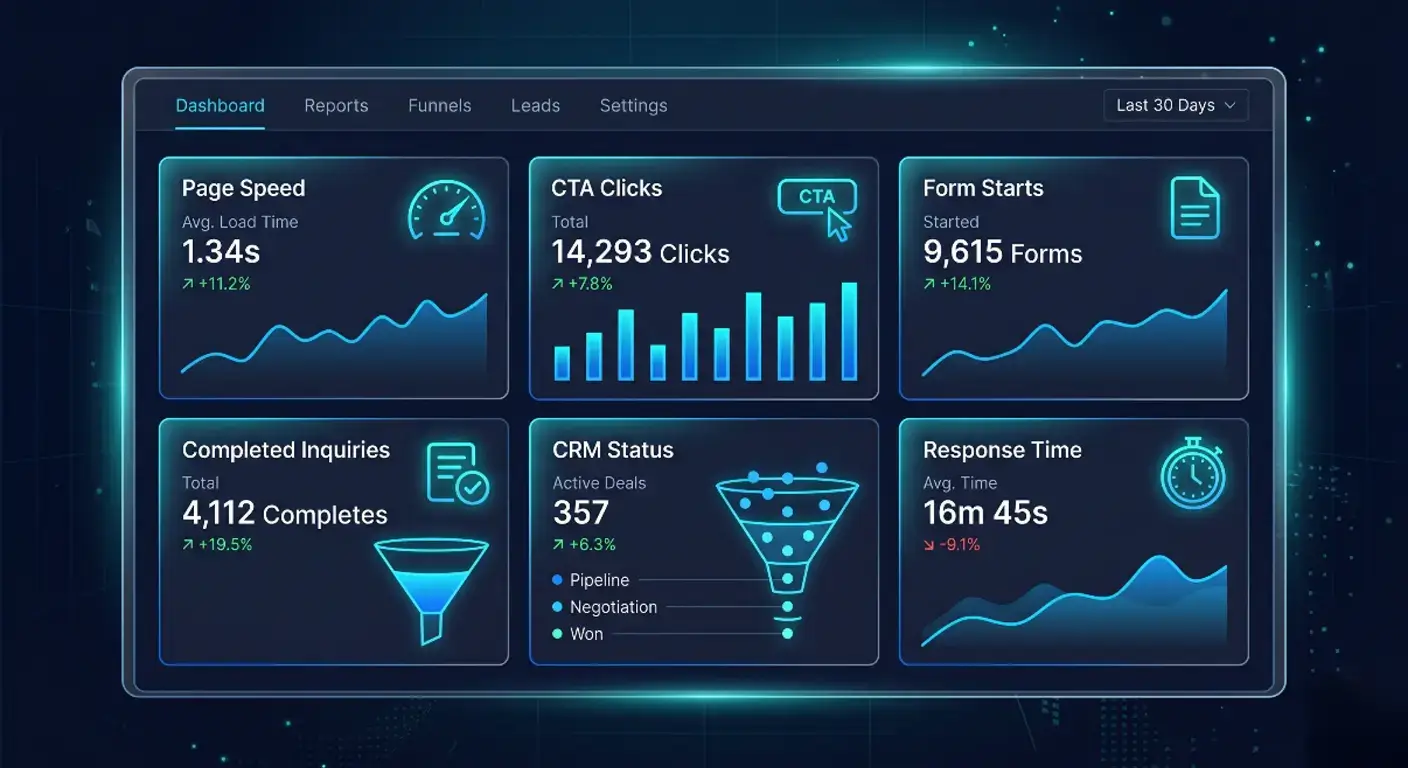
The Website Repair and Optimization solution fits slow, broken, unreliable, or difficult-to-measure sites; Digital Growth Infrastructure fits several connected platforms. Technical optimization website work succeeds when the customer path remains fast, usable, secure, observable, and operationally owned.
Review delivery, forms, integrations, security, and response ownership as one technical system.
Request a System ReviewSee Website RepairArticle FAQ
No. It also covers stability, accessibility, forms, security, tracking, integrations, error recovery, and the operational path after a visitor acts.
Prioritize high-intent entry pages and the actions, forms, and third-party steps that carry the greatest customer and business consequence.
Test valid and invalid inputs, accessibility, abuse protection, confirmation, server delivery, captured context, ownership, and failure recovery.
It preserves useful enquiry context, creates status and ownership, and makes transfer failures or duplicate handling observable.
Use a repeatable baseline, deploy the smallest justified change, test the complete path, compare equivalent conditions, and maintain rollback evidence.