Necessary
Always activeSupports security, form reliability and remembering your privacy choice. It is not used for advertising.

Your website should not stop working when a visitor submits a form. The right automation connects customer actions to routing, records, confirmations, follow-up, exceptions, and measurable business outcomes.

A business website should do more than collect information and wait for someone to act on it. Website workflow automation turns predictable website actions into connected operational steps: capture the request, preserve context, notify the right person, update the right system, and make the next action visible.
That matters because many “website problems” are really handoff problems. A form works, but nobody owns the reply. A booking arrives, but confirmation is manual. A lead is qualified, but the details are copied into another tool. Mono’s guide to a website without a system shows the wider architecture problem: pages can look complete while the processes behind them remain disconnected.

The first automation should begin when a visitor submits a form, requests a quote, starts a booking, or chooses another high-intent action. Instead of sending a generic email only, the workflow can validate required fields, standardize the data, record the source, and prepare the request for the next step.
This is the foundation of customer inquiry automation. It reduces incomplete handoffs and gives the team usable context before a human responds.
Not every inquiry belongs in the same inbox. Lead routing can use service type, location, urgency, budget range, language, or another approved rule to send the request to the right person or queue.
Mono’s Lead Generation System treats source, capture, routing, and response as one connected path. The goal is not automation for its own sake; it is clearer ownership after intent is captured.
When a qualified request arrives, the website can create or update a CRM, spreadsheet, task, or internal record. Good CRM integration prevents repeated copy-paste work and keeps the original context attached to the lead.
The implementation should match the actual operating model. Mono’s AI Automation service explicitly separates simple rule-based flows from AI-assisted or multi-system workflows so complexity is added only where it is useful.
A visitor should not have to wonder whether the form worked. Confirmation can acknowledge the request, explain what happens next, and provide relevant preparation steps.
This is where automated follow-up begins. It can include email, approved messaging, reminders, or task creation, but it should never pretend a final decision has been made when human review is still required. For response-heavy businesses, Mono’s AI Customer Response System adds qualification and controlled human handoff.
Bookings, consultations, quote requests, and service applications usually involve more than one action. Availability, confirmation, notifications, internal assignments, and changes should be planned as one workflow rather than separate plugins. Mono’s Booking & Inquiry System shows this as a path from structured intake to confirmation, ownership, and measurement.
This is where website workflow automation becomes operational infrastructure. The website is no longer just the place where a request starts; it becomes the controlled entry point into the business process.
Automation is useful only when failures are visible. A mature workflow should define what happens when an API is unavailable, a required field is missing, a record cannot be created, or a notification fails.
That makes workflow error handling part of the design, not an afterthought. Official n8n error-handling documentation illustrates why failed executions need explicit error paths, retries, and review logic. Human escalation should remain available for exceptions that cannot be safely resolved automatically.
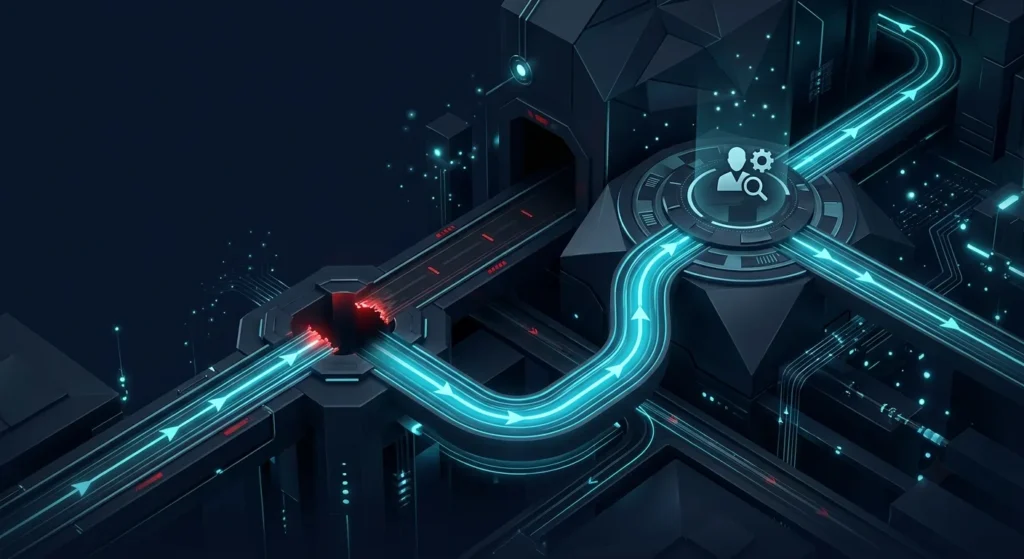
The final process is measurement. Track whether the visitor submitted, whether the workflow completed, whether the request reached an owner, and which source produced the inquiry. Conversion tracking should follow meaningful business actions, not decorative engagement.
Google’s official guidance explains that Analytics events can measure website interactions, including configured actions beyond automatic collection. Mono’s Website Conversion System similarly connects capture, operational handoff, and measurement around the decision journey.
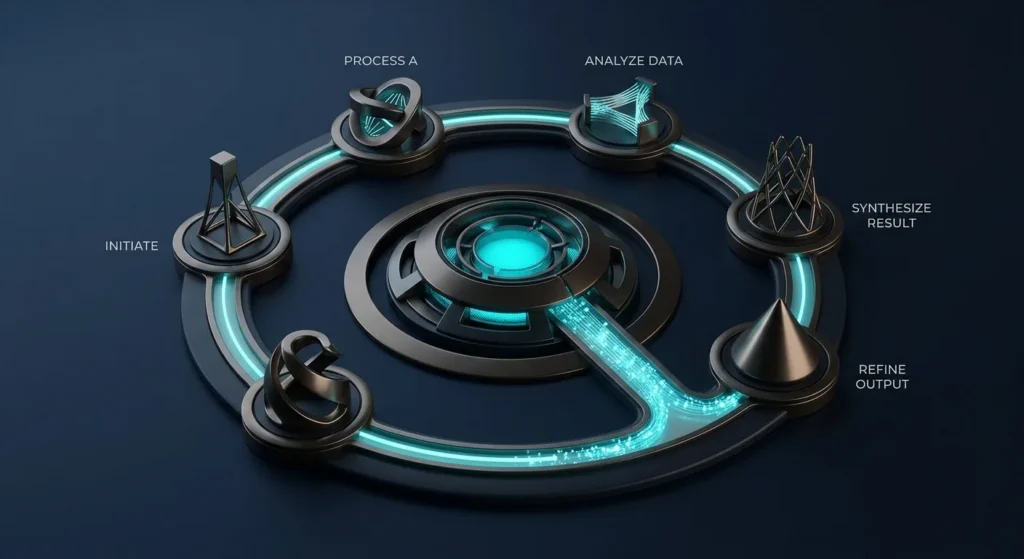
Effective website workflow automation does not mean removing people from every step. It means removing avoidable delay, repeated copying, unclear ownership, and invisible failures while keeping human control where judgment matters.
Start with one repeatable process, define its inputs, owner, exceptions, and measurable outcome, then connect the minimum tools required. If the website, lead flow, and internal operations are already tangled together, a System Review can identify which workflow should be fixed first.
If inquiries, bookings, notifications, CRM updates, or follow-up still depend on manual copying and memory, start by identifying the workflow that creates the most friction. Mono can connect the website, automation, and operational handoff around that process.
Explore AI AutomationGet System ReviewArticle FAQ
Start with processes that are repetitive, rule-driven, and costly when delayed: inquiry capture, notifications, routing, record creation, confirmations, and follow-up. Prioritize the workflow with the clearest business outcome rather than the one with the most impressive technology.
No. Many reliable workflows are better handled with deterministic rules. AI becomes useful when a process requires interpreting language, summarizing unstructured information, classifying intent, or generating controlled responses. Mono itself distinguishes rule-based automation from AI-assisted workflows.
Yes, when the CRM and website provide suitable integration methods. The workflow can validate an inquiry, create or update a record, preserve relevant context, and notify the responsible owner. Integration depth depends on the APIs and permissions available.
A production workflow should have defined failure behavior such as retries, error paths, logging, alerts, or human review. Failure handling needs to be designed before the workflow is treated as reliable.
Measure the business journey rather than merely whether the automation executed. Useful checkpoints include submissions, workflow completion, successful routing, confirmation states, qualified inquiries, and source-to-inquiry performance. Google Analytics supports custom and recommended event measurement for relevant website interactions.