Necessary
Always activeSupports security, form reliability and remembering your privacy choice. It is not used for advertising.

The moment a form is submitted is not the end of the customer journey — it's the start of the operational one.
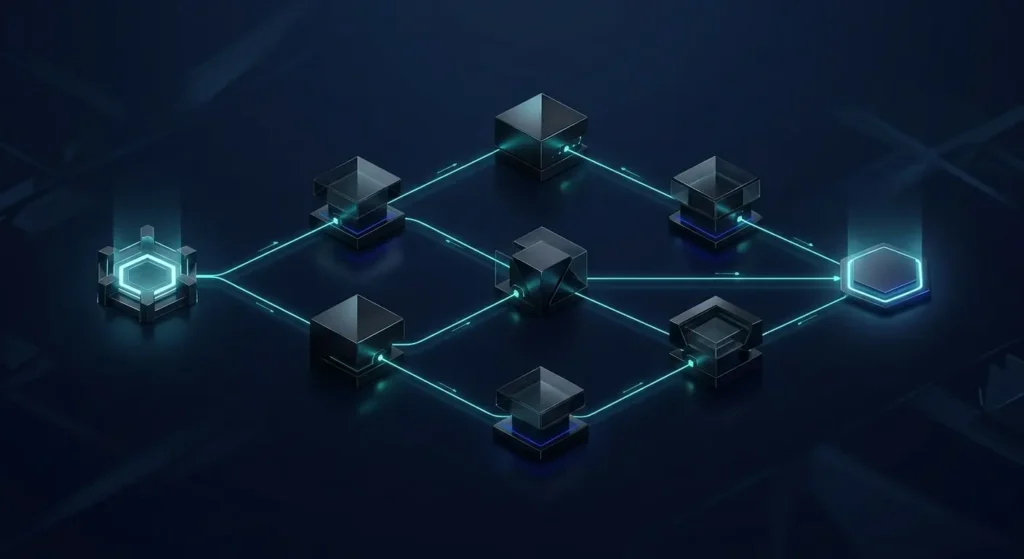
A visitor fills out a form, sees a thank-you message, and closes the tab. Many service businesses treat that click as the finish line, but it is actually the first step of an operational sequence. Effective website form automation decides whether that inquiry becomes a tracked, owned, time-stamped opportunity or a quiet entry in an inbox nobody checks until Monday. Building the form is usually the easy part. The harder problem is deciding, precisely, what should happen in the seconds and minutes after “Submit” is clicked, and who or what is responsible for each step that follows.
A submitted form is a moment of intent, not a completed transaction. What happens immediately afterward determines whether that intent survives contact with the business. Good website form automation treats the moment after submission as a chain of small, verifiable steps rather than a single black box. The six stages below are not decorative; each one protects context that would otherwise be lost between the visitor and the person responsible for responding.
Before anything else happens, the submission should be checked and standardized. Required fields, formats and obvious errors need catching before a request is treated as real. The MDN constraint validation reference outlines how browsers and scripts can enforce this before data ever reaches the backend. Clean, structured data is the foundation every later step depends on, and it is where reliable form validation earns its place in the workflow rather than existing only to block unwanted input.

The visitor should never wonder whether the form worked. A clear confirmation state, sent immediately, closes the loop and sets an honest expectation for what happens next. This is also where a well-designed booking and inquiry flow earns trust: the confirmation should describe the next real step, not just acknowledge that a request arrived somewhere.
A generic email to a shared inbox is not lead notification; it is a hope that someone happens to be paying attention that day. The request needs to reach a specific person or queue, with enough context to act without asking the customer to repeat themselves. Mono’s guide to website lead leakage covers how easily ownership quietly disappears at exactly this stage of the process.
The submission should become a record the business can act on and measure later, not a message that lives only in an inbox. Reliable CRM integration keeps the original context, source and timestamp attached to the lead instead of forcing someone to retype it by hand. This step is also where a broader AI Automation workflow adds real value, connecting the form to the tools the team already relies on daily.
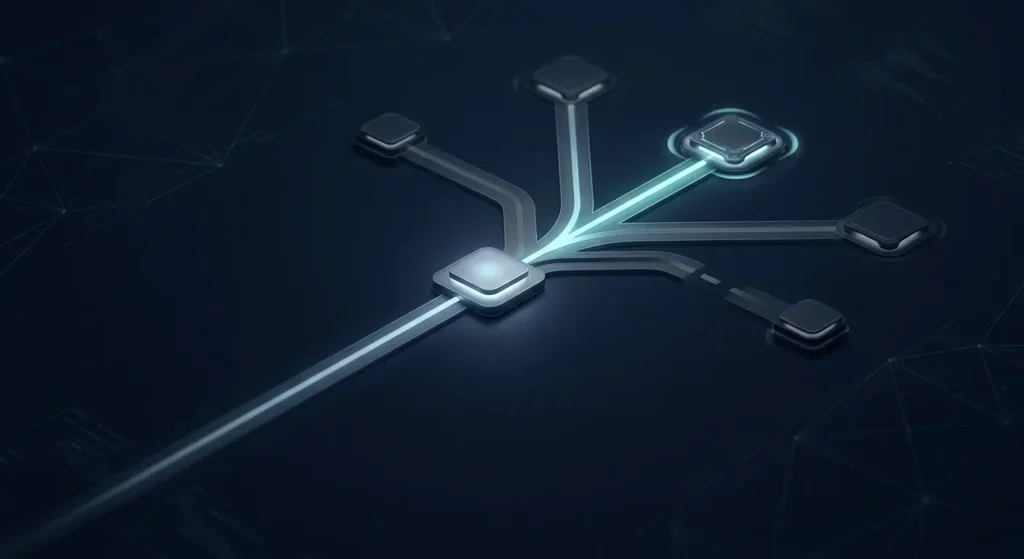
Not every inquiry belongs in the same queue. Service type, urgency, language or budget can determine lead routing automatically, sending the request to the right person instead of a general queue that adds a manual sorting step later. Mono’s AI Customer Response System applies this same qualification logic to live conversations, not only forms, so routing stays consistent across every channel.
The final stage connects the submission to what happens next: a reminder, a task, an automated first message, or a measurable event. Google’s Analytics event documentation explains how completed actions, not just clicks, can be tracked as meaningful conversions worth reporting on. Post-submission automation should close with a visible outcome the team can check, not a form that quietly submits into silence.

A dependable form submission workflow is not built by adding more plugins to a contact page. It is built by defining, in order, what the business needs to happen after every submission: validated data, an honest confirmation, a notified owner, a usable record, correct routing and a visible next action. Mono’s broader look at website workflow automation extends this same logic across bookings, notifications and error handling well beyond the form itself. For the stage before the click, form conversion optimization covers how the request is designed and completed in the first place.
Businesses relying on a single generic notification email are usually not missing leads because of weak traffic. They are missing them because website form automation stops at the confirmation screen instead of continuing into ownership, routing and follow-up. Reviewing the current lead generation path, alongside connected tools such as a CRM, spreadsheet or messaging app, usually reveals which stage is silently dropping context. Where several tools already need to exchange data, Digital Growth Infrastructure connects them into one operating layer instead of separate fixes, and reviewing website API integration needs is often the next logical step once the core workflow is clearly defined.
Share your current form, notification setup or CRM process. Mono will identify where the handoff breaks and recommend the smallest useful automation to fix it.
Explore AutomationGet System ReviewArticle FAQ
It is the connected sequence of steps a submission triggers after a visitor clicks Submit — validation, confirmation, notification, record creation, routing and follow-up — rather than the form itself.
No. Many of the six steps, such as validation, confirmation and CRM record creation, work well as deterministic rules. AI becomes useful when a request needs interpretation, qualification or language-based routing.
Notification to a specific owner is often skipped in favor of a shared inbox, and record creation is frequently left manual, which is why both stages appear repeatedly in lead-leakage audits.
Yes. Confirmation logic, notification routing, CRM connections and follow-up triggers can usually be added to an existing form and backend without redesigning the website.
Track whether the workflow completed, not just whether the form was submitted — confirmation sent, owner notified, record created, and a first follow-up action logged.